
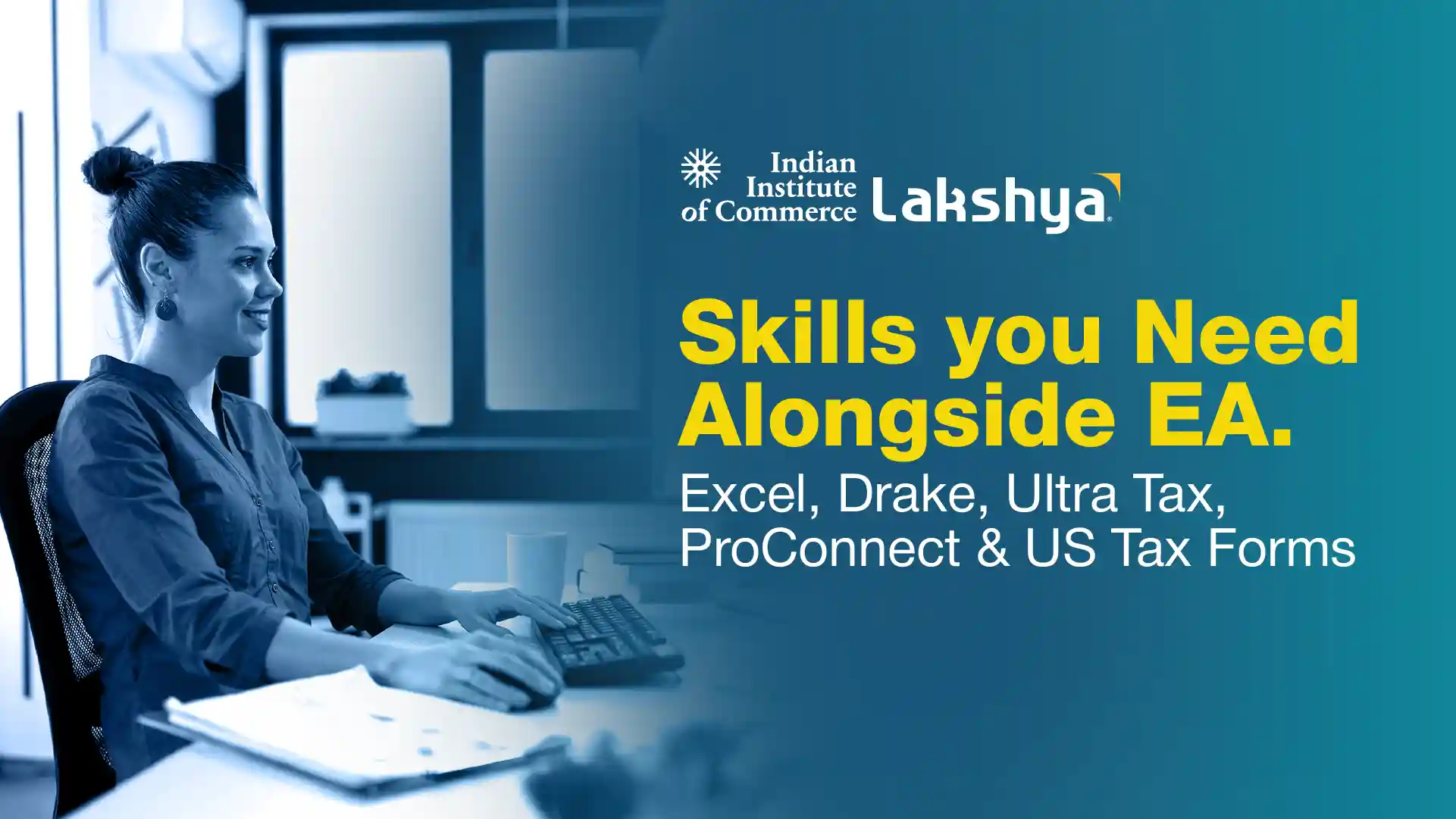
Skills You Need Alongside EA: Excel, Drake, UltraTax, ProConnect & US Tax Forms
Last Updated On -21 Sep 2026
By Sajith R S
You have cleared your parts of the Special Enrollment Examination or you are close. That is a real achievement, and it puts you ahead of many commerce graduates applying for US tax roles. But sit through your first interview at a Bengaluru or Kochi delivery centre, and you will notice something. The questions move away from tax law fairly quickly. The Enrolled Agent skills that actually help you get hired are one part technical knowledge and one part software fluency.
This is where many candidates lose ground. They can explain the rules on dependents and filing status, then go blank when asked to trace a number to Schedule C. Firms are not simply testing your memory. They want to know whether you can open a client file on Monday and produce a reviewable return by Wednesday.
This guide covers the practical skill set that sits beside the credential. It walks through the US tax forms you should read fluently, the Excel work reviewers expect, and how Drake, UltraTax and Intuit ProConnect differ in daily use. If you are still planning your route into the profession, our Enrolled Agent course guide explains the exam structure and eligibility in detail.
Why Tax Firms Look Beyond Your EA Exam Result?
The EA credential proves you understand US tax and can represent taxpayers before the IRS. It does not prove that you can produce a clean return under tax-season pressure. Those are separate abilities, and firms know it.
In Indian delivery centres, work reaches you as scanned documents, prior-year returns, brokerage statements and messy client books. Your reviewer may sit in the United States and judge your work mainly on two things: turnaround time and error rate.
Here is what a hiring manager quietly checks in your first month:
- Can you read a prior-year 1040 form and spot what carries forward?
- Can you tie a client's books to a Form 1040 Schedule C without asking three times?
- Do you know where a K-1 figure lands on the individual return?
- Can you work inside their US tax software without disrupting the firm's workflow?
- Do your workpapers make sense to someone who has never seen the file?
If you are exploring where these skills can lead, it also helps to understand the wider career scope for an Enrolled Agent before you begin applying.
US Tax Forms You Should Read Without Hesitation
Software will do the arithmetic. It will not tell you when a number is sitting on the wrong line. Reading US tax forms fluently is the skill that protects you from that.
Individual Returns: The 1040 and Its Schedules
The IRS Form 1040 is the spine of individual filing. Almost everything else is attached to it.
- Schedule 1 — additional income and adjustments to income
- Schedule 2 and Schedule 3 — additional taxes, credits and payments
- Form 1040 Schedule C — sole proprietor and freelancer business income
- Schedule D with Form 8949 — capital gains and stock sales
- Schedule E — rental income and pass-through income from K-1s
- Schedule SE — self-employment tax on Schedule C profit
- Source documents — W-2, 1099-NEC, 1099-INT, 1099-DIV, 1099-B, 1098
A mentor suggestion we repeat often: print a blank US Tax Form 1040 and physically map where each source document lands. Candidates who spend two evenings doing this tend to stop guessing during interviews. The official IRS 1040 instructions are free and remain the best reference for the current year.
Business Returns: 1120, 1120-S and 1065
Business work often pays better and stays busier through the extension months. The forms to know are:
- 1120 Tax Form — C corporation return, with its own tax computation
- Form 1120-S — S corporation return, issuing K-1s to shareholders
- Form 1065 — partnership return, also issuing K-1s
- Schedules L, M-1 and M-2 — balance sheet, book-to-tax reconciliation, retained earnings
- State returns — apportionment and nexus, which vary widely by state
The M-1 reconciliation is one of the more common interview areas for business tax roles. It is also worth being realistic about the path: most freshers begin on 1040 work and move into business returns after a season or two. Treat 1120 knowledge as a promotion lever rather than your entry ticket.
Excel Skills Reviewers Actually Expect
Nobody is asking you to build dashboards or complex macros. They want clean, traceable workpapers.
- Build a Form 1040 Excel workpaper that ties line by line to the filed return
- Use Text to Columns, TRIM and CLEAN to tidy brokerage and payroll exports
- Use SUMIFS and pivot tables to group a client's expense ledger into Schedule C categories
- Use XLOOKUP or VLOOKUP to match 1099 forms against reported income
- Prepare simple depreciation and fixed asset schedules
- Apply conditional formatting to flag large variances against the prior year
- Keep formulas live and avoid hardcoded figures so the reviewer can follow your logic
The most common Excel mistake we see is a workbook with no labels, no source notes and no date. It may be correct, but if the reviewer cannot verify it quickly, it comes back to you. That usually costs more time than doing it properly the first time.
US Tax Software: Drake, UltraTax and ProConnect
Firms choose their US tax software based on client mix, volume and budget. You cannot control which platform you inherit. What you can control is being genuinely comfortable in one and confident about learning a second.
Drake Tax
- Widely used by small and mid-sized US practices
- Form-based data entry, which makes it fast for high-volume 1040 work
- Flat annual pricing can suit firms filing large numbers of simple returns
- Learn the data entry screens, e-file validation and print set configuration
Thomson Reuters UltraTax CS
- Common in larger firms handling complex and multi-state returns
- Strong on business returns and consolidated work
- Sits inside a wider document and workflow system
- Learn input screens, the diagnostics panel and client organisers
Intuit ProConnect Tax
- ProConnect Tax Online is fully cloud-based, which makes it easier for distributed and offshore teams to use
- Intuit ProConnect uses a pay-per-return model, so ProConnect pricing can suit firms with lower volumes or seasonal spikes
- Integrates directly with QuickBooks Online, reducing some manual data entry
- Learn the Input Return tabs, the Check Return view and the e-file dashboard
Because ProConnect Online runs in a browser, it is usually one of the more accessible options for students who want hands-on practice at home. Verify current ProConnect pricing on Intuit's own site before quoting it in an interview, since plans can change from season to season.
Whatever software you get, practise these five things:
- Entering a return from raw source documents rather than a summary sheet
- Clearing every diagnostic before submission
- Running a prior-year comparison and explaining each variance
- Reading and fixing an e-file rejection notice
- Adding at least one state return to a federal file
Habits That Get You Promoted Faster
- Write reviewer notes explaining every judgment call you made
- Follow the firm's checklist exactly, even when you think you know better
- Keep client email English short, polite and free of Indian office shorthand
- Understand Circular 230 duties and PTIN requirements, not just for the exam
- Protect client data as though it were audited weekly, because it may be
These habits matter even more once filing deadlines begin to shape the workload. Understanding the demands of Enrolled Agent jobs in India can help you see how technical accuracy, documentation and turnaround time come together in an actual US tax role.
Mistakes We See in Fresh EA Candidates
- Studying only for the exam and never opening real tax software
- Skipping accounting fundamentals such as trial balance and book-to-tax differences
- Learning one platform and resisting the second one the firm uses
- Ignoring state taxes entirely, which is where many review comments originate
- Practising only with textbook data instead of messy, incomplete client files
Building These Skills in Six Months
You do not need a long runway. A steady plan usually works better than one intense month.
- Months 1–2: Excel workpaper discipline plus 10 practice 1040 returns by hand
- Months 3–4: One US tax software platform end to end, including e-file and diagnostics
- Month 5: Business returns — read a completed 1120 and 1120-S with the schedules
- Month 6: Mock reviews, interview practice and a portfolio of your own workpapers
Candidates who follow something like this walk into interviews with evidence rather than claims. At IIC Lakshya, our mentors work with EA students on this exact gap, and counselling sessions are available if you want help mapping your own six-month plan.
Also Read
- How to Become an Enrolled Agent (EA)?
- EA Salary in India: Enrolled Agent Jobs & Career Guide
- Enrolled Agent Vs CMA USA
- Career Scope for an Enrolled Agent (EA)
- Best Enrolled Agent Course in India: What to Actually Look For?
Where Your Enrolled Agent Skills Take You
The credential opens the door. Your Enrolled Agent skills decide how far inside you get. Reading US tax forms confidently, keeping disciplined Excel workpapers and moving comfortably between Drake, UltraTax and ProConnect are what help turn a qualified candidate into a reviewer and, with experience, a team lead.
Start with the 1040 tax form and one software platform. Add business returns next. Keep a folder of everything you prepare because, in an interview, that folder can show far more than a line on your résumé. If you are weighing EA against other US credentials, our CPA course guide can help you understand how the two paths differ in scope, timeline and role fit.
Related Blogs